👋 들어가기 전
커스텀 버튼을 만드는 과정에서, 탭 인식 범위가 너무 좁게 잡혀있는 문제를 마주쳤다.
찾아보니 .contentShapre라는 ViewModifier를 통해 쉽게 해결이 가능했다.
원인과 해결과정을 알아보자.
🏁 학습할 내용
- SwiftUI 탭 인식 기준
- 사용 목적
👈 SwiftUI 탭 인식 기준
사실 탭보다는, 이벤트 인식에 중요한 요점은 hitTest다.
공식문서를 살펴보면 hitTest는 다음 상황일 때 무시된다고 한다.

- 객체 자체가 user 이벤트를 받기 거부할 때
- alpha값이 0.01보다 작을 때
간단한 예를 살펴보자.
struct ContentView: View {
  var body: some View {
    VStack {
      Image(systemName: "star")
      Spacer().frame(height: 50)
      Text("Favorite")
    }
    .onTapGesture {
      print("Tapped")
    }
  }
}
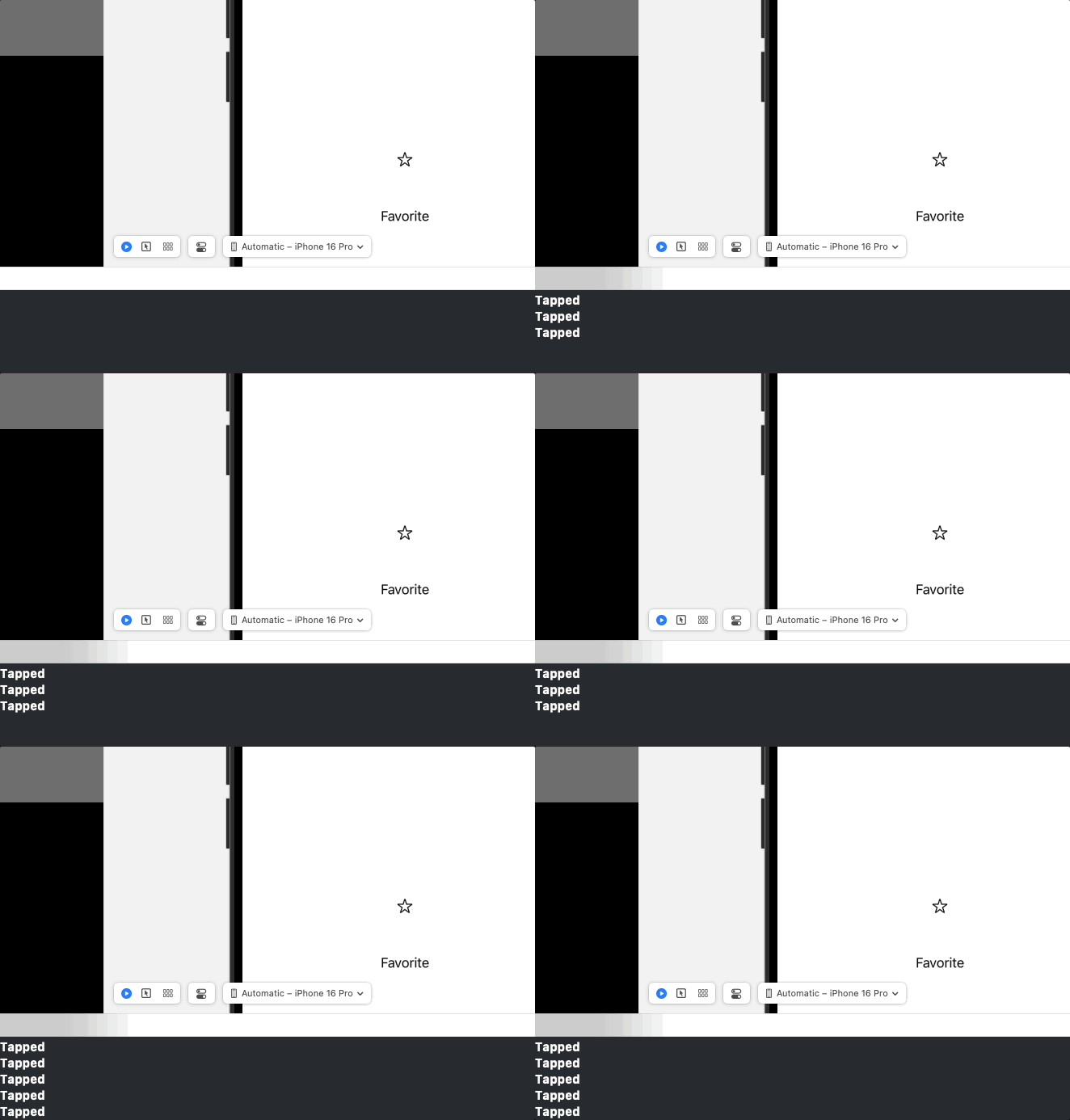
여기서 핵심은 Spacer다. 단순 여백을 위해 넣어 놓은 저 뷰로 인해, onTapGesture를 받는 범위가 분리된다.

빨간 부분이 Spacer에 해당된다.
즉, 빨간 부분은 아무리 터치해도 print문이 실행되지 않는다.
✅ 사용 목적
contentShape을 통해 위에서 발생한 문제를 해결할 수 있다.
func contentShape<S>(_ shape: S, eoFill: Bool = false) -> some View where S : Shape- shape: hitTest 영역으로 사용할 shape
- eoFill: even-odd 규칙을 사용하는지 여부. 복잡한 path에만 필요.
간단히 말하면, hitTest를 무시하는 조건이여도, 지정한 모양범위는 hitTest를 받을 수 있게한다.
struct ContentView: View {
  var body: some View {
    VStack {
      Image(systemName: "star")
      Spacer().frame(height: 50)
      Text("Favorite")
    }
    .contentShape(Rectangle())
    .onTapGesture {
      print("Tapped")
    }
  }
}
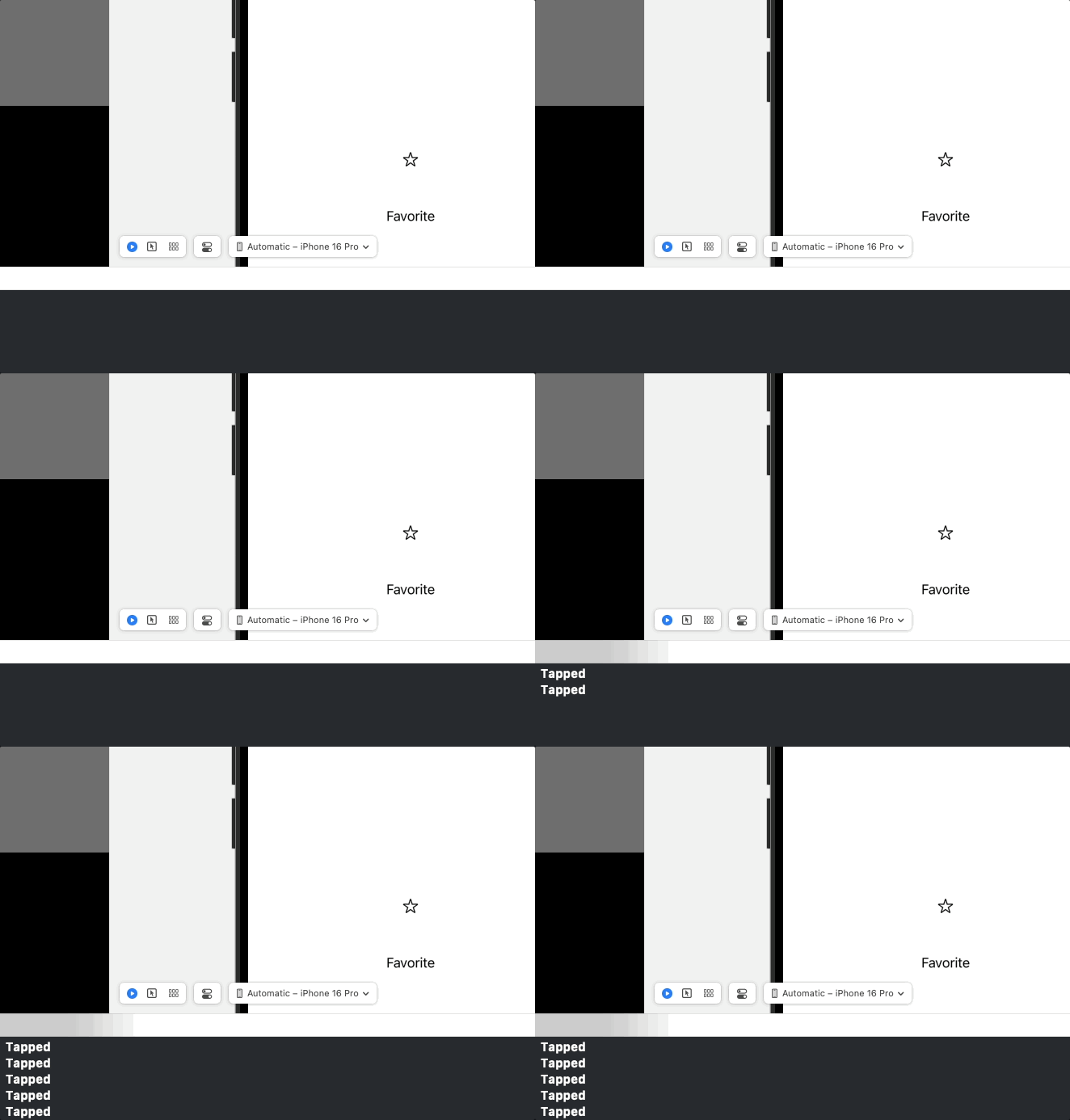
문제가 발생한 코드위에 바로 추가를 하고, Spacer부분을 계속 눌러도 이벤트가 잘 내려온다.
출처
https://ios-development.tistory.com/1767
[iOS - SwiftUI] 터치 이벤트 받는 방법(contentShape)
투명 뷰로 감싸고 터치 이벤트 받는 방법투명 뷰로 감싸는 경우?뷰를 구성하고 특정 영역을 터치 이벤트 영역으로 잡고 싶거나, 접근성을 위해서 특정 뷰로 덮어서 그 부분만 특정 접근성을 주
ios-development.tistory.com
https://developer.apple.com/documentation/uikit/uiview/hittest(_:with:)
hitTest(_:with:) | Apple Developer Documentation
Returns the farthest descendant in the view hierarchy of the current view, including itself, that contains the specified point.
developer.apple.com
https://developer.apple.com/documentation/swiftui/view/contentshape(_:eofill:)
contentShape(_:eoFill:) | Apple Developer Documentation
Defines the content shape for hit testing.
developer.apple.com
'iOS > SwiftUI' 카테고리의 다른 글
| [@Environment] layoutDirection (0) | 2025.07.26 |
|---|---|
| 스유에서 lineHeight과 letterSpacing 적용하기 (2) | 2025.07.22 |
| 커스텀 SwipePopNavigationStack 구현하기 (6) | 2025.07.13 |
| 커스텀 뷰를 만들 때 고민점 (0) | 2025.07.05 |
| @Observable 매크로 (0) | 2025.07.03 |